

What Is Alteryx Designer and What Does It Actually Do?
Alteryx Designer is a visual workflow builder for data preparation, blending, and analysis. You drag tools onto a canvas, connect them in sequence, and run the workflow. The output is repeatable and auditable. No code required, though you can add expressions and even Python or R blocks if you want to extend it.
The key word is repeatable. The problem with data prep done in spreadsheets is not that it cannot produce the right answer. It usually can. The problem is that next month, someone has to do it all again, and there is no reliable record of exactly what was done. Alteryx solves that. Once the workflow exists, running it again takes seconds.
It sits in a category sometimes called ETL (extract, transform, load), though that label fits it loosely. Traditional ETL platforms like Informatica are server side, built for engineering teams, and designed to move data at scale between systems. Alteryx Designer is a desktop tool built for analysts: the goal is data preparation and blending, not pipeline infrastructure. KNIME occupies a similar analyst focused space. If you want a direct comparison, we have covered that in our Alteryx vs KNIME post.
Alteryx is not a reporting tool. It produces clean, structured data. You still need Excel, Tableau, Power BI, or something else to present and visualise that output. The two layers work well together.
How Alteryx Designer Compares to Excel, SQL, and Python
This is the honest comparison. Alteryx does not replace every tool. It replaces specific pain points very well and leaves others untouched.
Where Alteryx wins
Speed of workflow construction. A Finance analyst who knows Excel well can build a working Alteryx workflow faster than they could write the equivalent SQL or Python. The visual canvas makes the logic easy to follow, which also makes it easier to hand off to a colleague or audit six months later.
Repeatable pipelines without a developer. SQL and Python are more powerful, but they require someone comfortable writing and maintaining code. Alteryx lets an analyst own the entire pipeline without a data engineering team in the loop.
Handling multiple input sources in one place. Joining a CSV export from your ERP, a manual Excel file from a counterpart, and a database extract in a single pipeline is straightforward. Doing the same in pure SQL requires database access to all three sources. Doing it in Python is entirely possible but adds setup time.
Where the other tools still have the edge
Excel is still the right tool for ad hoc analysis, presentation formatting, and anything that needs a human to review and adjust interactively. Alteryx produces outputs; it does not replace the spreadsheet as a working surface.
SQL is faster and more scalable when your data already lives in a relational database and your transformations are standard. If you are summarising tens of millions of rows in a warehouse, SQL wins on performance.
Python wins on flexibility: statistical modelling, custom visualisations, API calls, machine learning. Alteryx has some of these capabilities but Python is deeper. If your work is heading in that direction, Python is worth the investment. The time needed to become productive with Python is longer than with Alteryx, but the ceiling is much higher. We have a comparison of analytics and visualisation tools that touches on this in our Tableau vs Qlik Sense post. If you are building Python skills alongside Alteryx, the Industry Portal Academy Python courses are worth a look.
The realistic picture: for a Finance or treasury team that lives in Excel and occasionally dips into SQL, Alteryx fills a genuine gap without requiring a Python learning curve.
The Core Tools You Will Use Most
The video covers the essential tool set. Here is what each one does and when you actually reach for it.
Input Data
A weekly note on treasury, liquidity and practical Python. No spam, unsubscribe any time.
The starting point of almost every workflow. You point it at a file or database connection and it reads the data in. Alteryx handles Excel, CSV, databases via ODBC, and a range of other formats. You can have multiple Input Data tools feeding into the same workflow, which is where workflows start to earn their keep: multiple sources, one controlled process.
Select
After reading data in, Select lets you choose which fields to keep, rename them, change data types, and reorder columns. Think of it as the first cleaning step. Renaming a field from "Acct_Cd" to "Account Code" here means every tool downstream uses the clean name.
Formula
This is where you create calculated fields. The syntax is its own expression language, similar in feel to Excel formulas. You might use it to calculate a running balance, extract a year from a date field, or flag rows that meet a condition. One Formula tool can create multiple new fields at once.
Filter
Takes an input and splits it into two streams: rows that meet your condition and rows that do not. You wire each stream to whatever comes next. If you want to process exceptions separately from clean records, this is the tool.
Joins
Combines two streams on a matching key field, equivalent to a VLOOKUP or a SQL JOIN. Alteryx gives you three output anchors: records that matched on both sides, records only in the left input, and records only in the right input. That split into three is useful for reconciliation work, where the unmatched records are often the most important output.
Union
Stacks two or more data streams on top of each other. If you have twelve monthly files with identical columns and you want to process them as one dataset, Union is how you bring them together after reading each one in separately.
Summarise
Groups data and applies aggregations: sum, count, average, min, max, concatenation. The equivalent of a pivot table or a GROUP BY in SQL. You pick the fields to group by and the aggregations to apply, and it produces one row per group.
Transpose
Rotates data from wide format to long format. Useful when a source file has one column per month and your analysis needs one row per month. Finance people hit this constantly with budget and forecast exports.
Where Alteryx Fits in Finance and Treasury Work
The use cases that come up repeatedly in finance and analytics teams:
Consolidating multiple source files. Month end close often involves pulling data from several systems, each with slightly different column names and formats. One Alteryx workflow can read all inputs, standardise formats, join on account codes, and produce a clean consolidated output. The same workflow runs identically next month.
Automating recurring management reports. If you build the same report every week or every month, the manual steps are workflow steps waiting to be automated. Alteryx lets you encode the entire preparation process so the output is ready as soon as the source data lands.
Cleaning inconsistent data feeds. A common problem in treasury and risk reporting is receiving data from external counterparties or legacy systems in inconsistent formats. The Formula and Select tools handle most of the standardisation. The Filter tool routes exceptions for manual review.
Reconciliation. The Join tool's three output anchors make it well suited to reconciliation work. The left only and right only records are your breaks. You can add downstream logic to categorise and summarise them automatically.
Treasury data aggregation (illustrative). Consider a treasury team producing a daily cash position from five bank feeds, each arriving as a differently formatted CSV. An Alteryx workflow reads all five, applies a standard account mapping via a join, aggregates to entity and currency level, and outputs a single clean file ready for the position sheet. The same process applied to LCR reporting data consolidation would follow the same pattern: read multiple source extracts, standardise field names and formats, apply run off rate lookups, and output a structured dataset ready for the calculation layer. The workflow runs the same way every day without manual intervention.
Certifications and Whether They Are Worth It
Alteryx has its own certification programme. The Alteryx Designer Core certification is the entry point and tests your ability to build workflows using the standard tool set. Beyond that there are Advanced and Expert levels. The certifications are issued by the vendor but you will see them listed regularly in analytics, FP&A, and financial reporting roles, particularly in consulting and firms that have standardised on the platform.
Whether it is worth the learning investment depends on where you work. If your employer or target employers already use Alteryx, it is an easy decision: the skill is immediately applicable and the certification signals it credibly. If they do not, SQL or Python may build a more transferable foundation, since those skills travel across any data environment without a licence dependency.
The honest position for a team lead evaluating whether to upskill their team: if your analysts are spending material time on manual data preparation each month, Alteryx can reduce that significantly. The time needed to become productive is short enough that analysts can be building real workflows within a few weeks of starting. Whether the licence cost is justified depends on volume and frequency of that work, which only you can assess for your context.
Is Alteryx Designer Worth Your Time?
For a Finance or data analyst whose current pain is manual, repetitive data preparation in Excel, the case is strong. Workflows are auditable, maintainable by analysts without coding skills, and reusable without rebuilding from scratch each cycle. If that describes your daily work, the investment pays back quickly.
If your ambition is statistical modelling, machine learning, or deeply customised analysis, prioritise Python. Alteryx can accommodate some of that but it is not where the tool shines.
If your data already lives in a well structured database and your team has SQL skills, SQL may give you everything you need at no additional licence cost.
The practical takeaway: Alteryx Designer is a strong choice when repeatability and accessibility matter more than raw technical depth, which is exactly the situation most Finance and treasury teams are in. Start with the Designer Core certification, build one real workflow that solves an actual problem at work, and you will have a clear answer on fit within a few weeks.
To go further, explore the full course catalogue at the Industry Portal Academy or check the learning paths for a structured route through analytics and automation skills. The newsletter drops new content weekly if you want to stay across what is being added.
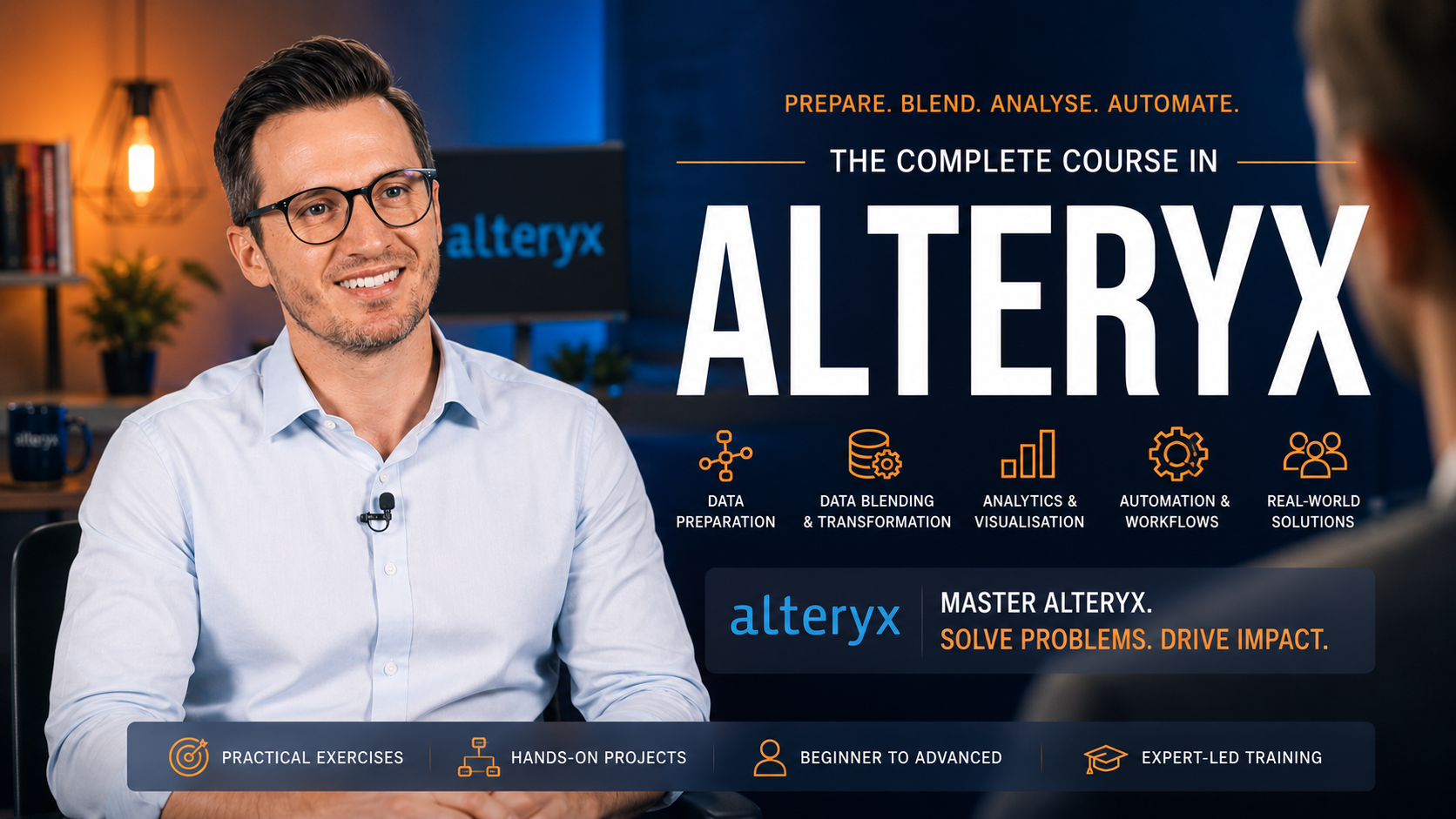
Alteryx Designer
Learn one of the best Low-code / No-code tools in the Market
Take the courseGet the next one in your inbox
A weekly note across Finance & Treasury, Innovation & Automation and Career Development. No spam, unsubscribe any time.
Notes across finance and treasury, innovation and automation, and career development, written by practitioners who do the work.


